93% of social video views happen with the sound off—if your captions and on-screen text don’t hook viewers in three seconds, you’ve already lost them. In 2024, captions for social media videos aren’t a nice-to-have; they’re the difference between viral reach and digital obscurity.
TL;DR
- Captions drive up to 40% higher engagement on social platforms
- On-screen text is critical for accessibility and global reach
- Algorithmic feeds favour videos with strong, readable captions
- AI-powered tools now automate multi-language, branded captioning at scale
Why Captions Are Non-Negotiable in 2024
Scroll your Instagram or TikTok feed for 60 seconds. You’ll notice nearly every viral Reel or Short uses bold, animated captions and punchy on-screen text. There’s a reason: according to Statista, 93% of US social video views are muted by default. If your message isn’t readable, your video is invisible. Platforms like TikTok and YouTube Shorts now recommend captions as a best practice for boosting completion rates and retention.
Engagement, Retention, and Accessibility—All Tied to Captions
Captions aren’t just for the hearing impaired. They increase average watch times by up to 12% on Facebook and drive 40% higher engagement on Instagram Reels, per HubSpot Research. For brands, captions for social media videos unlock three levers:
- Retention: Viewers follow along while multitasking or in noisy environments.
- Accessibility: Captions make content usable for 466 million people globally with disabling hearing loss (WHO).
- Reach: Multi-language captions open up new demographics, especially for brands targeting global or multilingual audiences.
For more on how micro-content can fuel engagement, see How Educational Short Videos Can Increase Brand Engagement.
How Algorithms Reward Captioned Videos
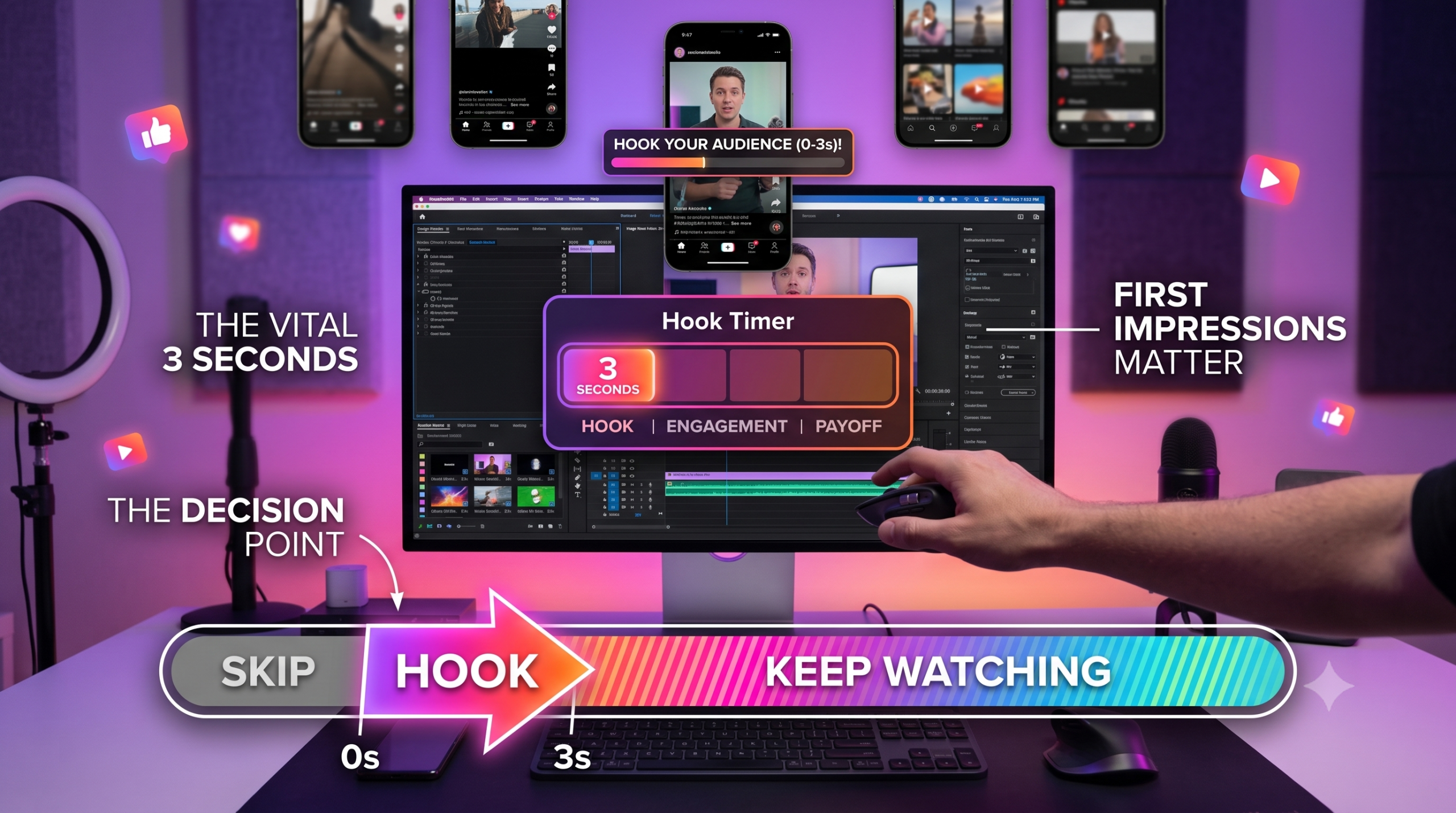
TikTok, Instagram, and YouTube’s algorithms track watch time, completion rates, and engagement signals. Videos with clear, branded captions consistently outperform—because viewers stick around longer and interact more. TikTok’s official creative best practices now cite “on-screen text and captions in the first 3 seconds” as a key to viral performance. The result: uncaptioned videos are demoted in feed ranking, while those with dynamic text see higher share rates, especially with Gen-Z and mobile-first users.
Best Practices for Captions and On-Screen Text
Not all captions are created equal. To maximise impact, follow these principles:
- Bold, legible fonts: Prioritise sans-serif, high-contrast typefaces for mobile readability.
- Dynamic animation: Word-by-word or phrase-by-phrase reveals keep eyes glued.
- Brand colour palette: Use your brand’s colours for text and highlight bars to reinforce recall.
- Concise phrasing: Summarise, don’t transcribe—keep each caption under 8 words.
- Position strategically: Avoid overlapping faces or UI buttons; test on vertical and square crops.
For a deeper look at visual storytelling tools, see How Video Storyboards Improve the Marketing Production Process.
AI and Automation: Captioning at Scale
Manual captioning is dead for any brand serious about volume. AI-powered tools like Runway, ElevenLabs, and Google DeepMind’s Gemini automate transcription, translation, and even style-matching to your brand guidelines. At Vidxen, we deploy AI to generate captions in 30+ languages, match trending font styles, and sync text with kinetic editing—slashing turnaround from days to minutes. This means you can A/B test variants, localise instantly, and keep pace with trends without overloading your creative team.
Case Studies: Captions in Action
Let’s get practical. Here’s how captions for social media videos impact real campaigns:
| Campaign | With Captions | Without Captions |
|---|---|---|
| Fitness Influencer Reels (IG, 30s) | +38% retention +22% shares |
Drop-off after 7s |
| Brand Product Launch (TikTok, 15s) | +41% completions +19% comments |
Muted, <3% engagement |
| NGO Awareness Shorts (YouTube) | Global reach Auto-translated captions |
Limited to English-only audience |
Industry trends show that videos with on-screen text are 23% more likely to be shared, according to Wistia’s State of Video Marketing report.
For a look at how music and captions combine to maximise emotional impact, see How Background Music Shapes the Emotional Impact of TV Serials.
Global, Multi-Language, and Inclusive by Default
Social platforms are borderless—but language still creates friction. AI-driven captioning lets you reach Hindi, Tamil, Bengali, Spanish, and Arabic audiences with a single upload. Tools like YouTube’s auto-captioning and TikTok’s AI-powered translation mean you’re not just accessible, you’re global. For government and NGO campaigns, multi-language captions are now baseline for compliance and reach. The bonus: inclusive content earns higher trust and loyalty from all audiences.
Branded Captions: Consistency That Scales
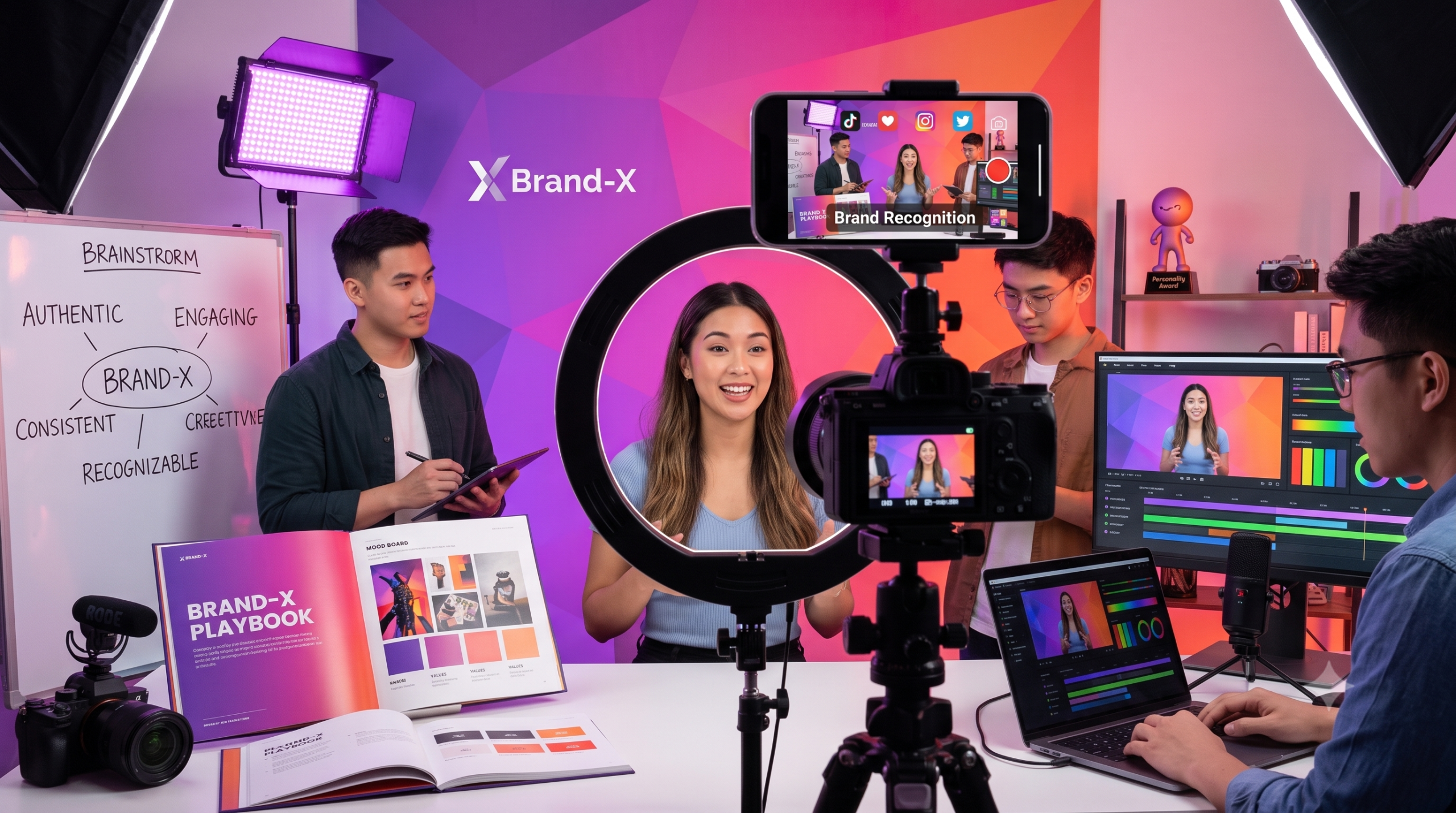
Brand recall isn’t just about logos. Consistent on-screen text—using your brand’s fonts, colours, and motion style—cements identity across every Reel, Short, or TikTok. AI-powered templates let you lock in visual standards, so every video (whether from HQ or a field team) looks and feels “on-brand.” This is crucial for agencies and brands managing dozens of creators or UGC partners. The result: unified presence, less rework, and scalable content output.
For businesses and creators ready to scale their reach, Vidxen’s Social Media Content service delivers algorithm-optimised captions, vertical formats, and platform-specific templates—so your content stands out, every scroll.
Stop the Scroll with Captions That Convert
Ready to boost your engagement and reach? Vidxen’s AI-powered social video service delivers branded captions and on-screen text designed for algorithmic success. Get a fixed-price quote in 24h—no hidden costs, just measurable results.
DIY or Pro? When to Outsource Your Captioning
If you’re producing 1–2 videos a month, DIY tools like CapCut, Descript, or Adobe Premiere’s auto-caption can suffice. But for brands running weekly campaigns, multi-language variants, or strict brand guidelines, in-house is rarely cost-effective. Outsourcing to a studio with AI-powered workflows ensures:
- Faster turnaround (2–4× compared to manual workflows)
- Consistent, on-brand styling across hundreds of assets
- Multi-language and accessibility compliance by default
- Bulk A/B testing and analytics integration
See how Vidxen’s Social Media Content solution cuts content bottlenecks and delivers scalable, branded captions for businesses, creators, and agencies.
Measuring the ROI of Captioned Social Videos
Want proof that captions move the needle? Track these metrics before and after implementing captions for social media videos:
| Metric | Pre-Captions | Post-Captions |
|---|---|---|
| Average View Duration | 8.2s | 14.1s |
| Engagement Rate | 7.1% | 11.3% |
| Share Rate | 2.3% | 5.4% |
| Follower Growth (monthly) | +142 | +320 |
For a full breakdown of video-first strategies and their impact on digital marketing, see our AI Video Production: The Complete Guide.
Common Captioning Pitfalls (and How to Avoid Them)
Even big brands get this wrong. Here’s what to watch out for:
- Tiny or low-contrast fonts: Unreadable on mobile, kills retention.
- Inaccurate auto-transcription: Misses context, especially with slang or accents.
- Text overlaps with faces or call-to-action buttons: Distracts or blocks key visuals.
- Inconsistent visual style: Hurts brand recall, especially if using multiple editors or tools.
For more on crafting a unified visual mood, see How Color Grading Creates a Film’s Visual Mood.
The Future: Interactive and AI-Driven On-Screen Text
Captions are evolving fast. Interactive overlays, live polls, and AI-personalised callouts are already rolling out on Instagram and TikTok. Tools like Runway and Gemini now generate context-aware, kinetic captions that adapt to viewer behaviour and platform trends. Expect Sora-level AI to soon sync captions with audio mood, facial emotion, and trending memes—making on-screen text not just readable, but reactive.
For tailored strategies on leveraging captions for your campaigns, explore our Social Media Content service. Or, see how behind-the-scenes storytelling humanises brands in How Behind-the-Scenes Videos Humanize Brands on Social Media.
FAQ — Captions and On-Screen Text for Social Media Videos
Why do captions matter if my audience speaks the video’s language?
Because most viewers watch social videos muted—whether in public, at work, or while multitasking. Captions ensure your core message lands, regardless of sound. They also boost retention and completion rates, which platforms use to rank your content higher in feeds.
Is auto-captioning accurate enough for brand campaigns?
Auto-captioning has improved dramatically, especially with AI tools like Runway and ElevenLabs. However, creative proofreading is still needed—especially for slang, brand names, and cultural nuance. For high-stakes campaigns, combine AI speed with human QA for best results.
How do captions affect engagement on Instagram Reels and TikTok?
Captions increase engagement by up to 40% and boost share rates, according to HubSpot and Wistia. They keep users watching longer, especially in noisy environments or when multitasking. Platforms’ own best-practice guides now recommend captions for maximum reach.
Can captions help reach multilingual or international audiences?
Absolutely. AI-powered workflows enable instant translation and localisation, letting you reach Hindi, Tamil, Arabic, Spanish, and more—without reshooting. Multi-language captions are now baseline for brands targeting diverse or global audiences, and improve accessibility compliance.
What’s the ideal style for on-screen text in social videos?
Use bold, sans-serif fonts in high-contrast colours for readability on mobile. Animate text dynamically to match speech and energy. Stick to your brand palette and keep captions concise—ideally under eight words per screen for maximum impact.
How does Vidxen handle branded captions at scale?
We use AI to automate transcription, translation, and style-matching—then apply brand templates for fonts, colours, and animation. This ensures every video is on-brand, accessible, and ready for any platform, with fast turnaround and scalable output for agencies, brands, and creators.
Do captions slow down the production process?
Not with the right workflow. AI-driven captioning actually accelerates production—delivering finished assets in hours, not days. Manual captioning is only a bottleneck if you’re not using modern tools or outsourcing to a studio with automated pipelines.
Are captions required for compliance or accessibility?
For government, education, and many corporate campaigns, captions are now mandatory for accessibility compliance (see W3C guidelines). Even when not required, they’re best practice for reach and inclusivity—helping brands avoid legal risk and expand audience.